Container Network Isolation: Bridging Namespaces and Custom IPAM on Linux
Explore how Linux network namespaces, veth pairs, and custom Docker bridge networks isolate frontend services from backend databases.
Netbay Cloud Team
Netbay Engineering
On this page
Every container running under Linux relies on network namespaces (netns) to establish its own private network stack. A network namespace provides an independent routing table, set of iptables rules, loopback device, and virtual network interfaces. By default, container runtimes bridge these namespaces to the host using virtual ethernet (veth) pairs, effectively treating each container like an independent machine plugged into a virtual software switch.
Relying on the default Docker bridge (docker0) creates security exposure because all containers share a flat IP subnet without DNS resolution or ingress filtering. Implementing custom user-defined bridges and internal-only networks guarantees strict tier isolation.
Under Linux, when a packet leaves a container process, it travels through the container's eth0 virtual interface into one end of a virtual ethernet cable (veth pair). The kernel transfers the packet across the namespace boundary directly into the host namespace, where the other end of the veth pair is attached as a slave interface to a Linux software bridge (such as br0 or docker0). The bridge operates at OSI Layer 2, maintaining a MAC address forwarding database to forward frames between local containers or hand them off to the host routing table.
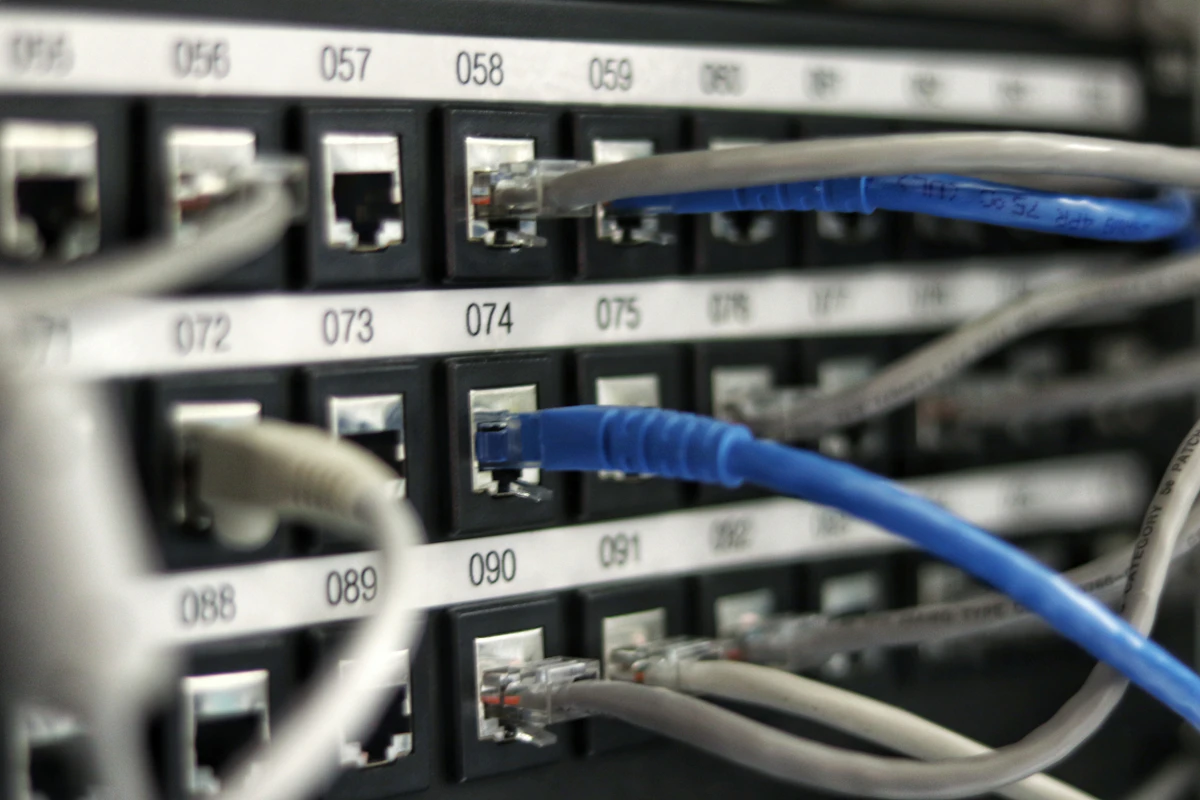
Under the Hood: Investigating veth Pairs and Namespaces
When Docker or Podman creates a container, it provisions a veth pair. One interface stays in the host root namespace plugged into the bridge, while the peer interface is moved inside the container namespace and renamed to eth0:
# Inspect active Docker networks and their bridge interface IDs
docker network ls
ip -br link show type bridge

# Identify container process ID and inspect its network namespace
PID=$(docker inspect -f '{{.State.Pid}}' api-container)
sudo ip netns identify $PID

# Run ip addr directly inside the container namespace from the host
sudo nsenter -t $PID -n ip addr show dev eth0
Notice how nsenter allows administrators to execute diagnostic networking commands directly inside a running container without needing to install ping, netstat, or curl into minimal production distroless images.
Creating Isolated Custom Bridges with Subnet Control
To isolate internal databases and caching servers from public ingress, provision a user-defined bridge with internal routing flags enabled. Containers on an internal bridge can communicate with each other, but the engine enforces iptables rules preventing traffic from traversing to external interfaces:
# Create public application bridge network
docker network create   --driver bridge   --subnet 172.28.0.0/16   --gateway 172.28.0.1   --opt com.docker.network.bridge.name=br-public   frontend-net

# Create strictly internal database network (no WAN routing)
docker network create   --driver bridge   --internal   --subnet 172.29.0.0/16   --gateway 172.29.0.1   --opt com.docker.network.bridge.name=br-db   backend-net
When the --internal flag is supplied, Docker omits the usual MASQUERADE iptables rules that route outbound container traffic to the host default gateway. Furthermore, Docker adds an explicit DROP rule in the DOCKER-ISOLATION-STAGE-1 iptables chain that blocks all packet forwarding between the internal bridge and any external network interface.
Enforcing Multi-Tier Architecture in Docker Compose
Attach application services to both networks while binding database servers exclusively to the internal backend network:
version: "3.8"

services:
  web:
    image: nginx:alpine
    ports:
      - "80:80"
    networks:
      - frontend-net

  api:
    image: myorg/api:v1
    networks:
      - frontend-net
      - backend-net

  database:
    image: postgres:16-alpine
    networks:
      - backend-net
    environment:
      POSTGRES_PASSWORD_FILE: /run/secrets/pg_pass

networks:
  frontend-net:
    external: true
  backend-net:
    external: true
In this configuration, even if the public web proxy or API service is compromised, an attacker cannot route packets directly out of the database network or access the database from unapproved host subnets.
Deep understanding of Linux network namespaces empowers operators to build defense-in-depth network topologies.
You can spin up an Ubuntu 24.04 instance on Netbay in under 60 seconds with Intel Xeon Platinum compute and high-speed SSD storage in Lucknow — netbayhosts.in.
Keep reading
Containers & Orchestration
Lightweight Workload Orchestration with HashiCorp Nomad on a Linux VPS
2026-09-20
Containers & Orchestration
Deploying a Secure Private Container Registry on a Single Linux VPS
2026-09-17
Containers & Orchestration
Hardening Docker Compose for Production: Secrets, Healthchecks, and Graceful Restarts
2026-09-14
Follow along on a real VPS
Deploy Linux in under 60 seconds
These guides are written against Ubuntu, Debian, and RHEL-family images — the same ones on NetBay.
Deploy an instance